Do I have to offer No Access mode as well as Free/Busy?
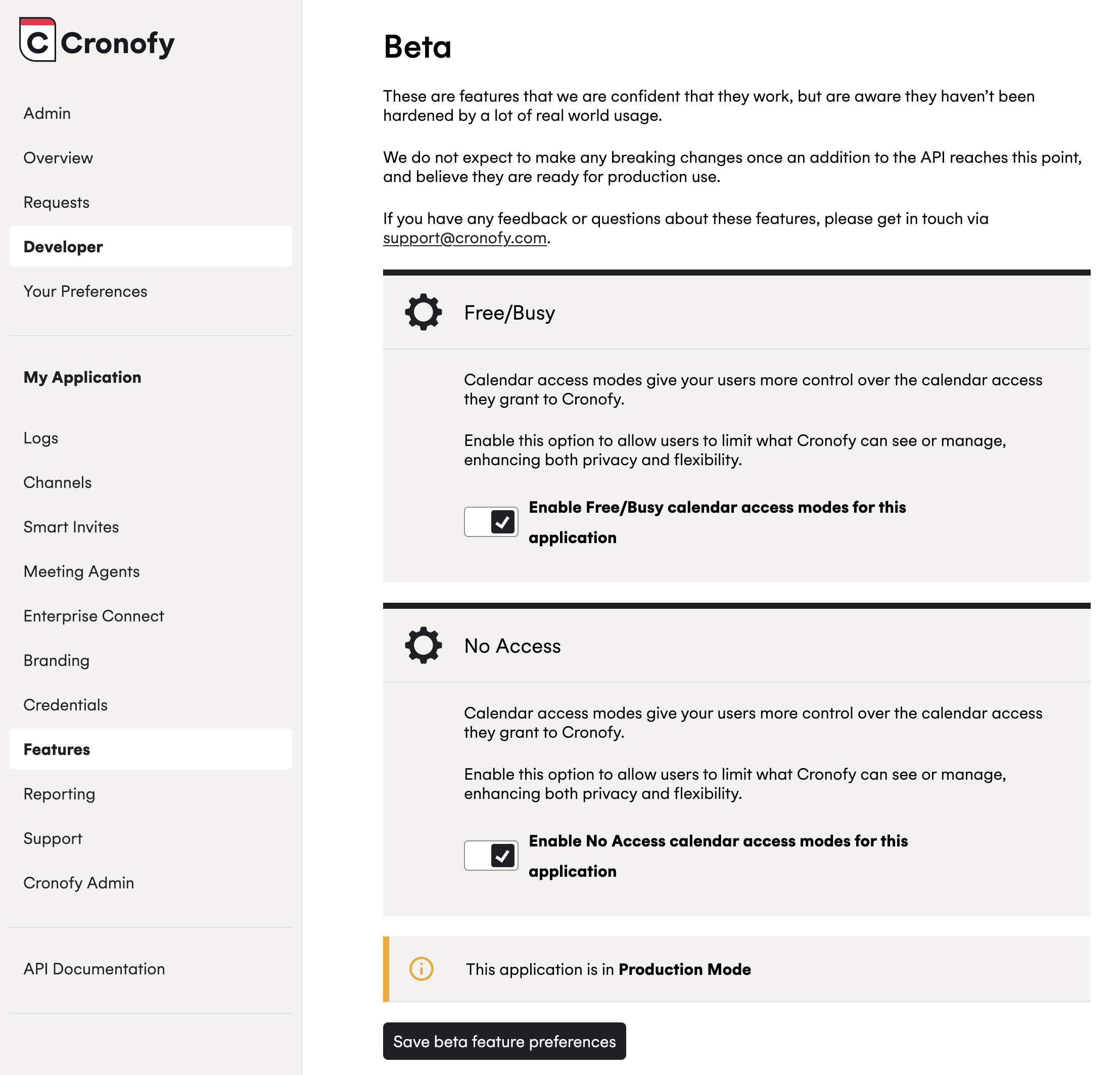
Your application doesn’t need to offer both new calendar access modes. If you’d like to only offer one, such as Free/Busy access, simply enable it from the Features section of your application within the Cronofy dashboard.
To do this visit the Features section for your application in the Cronofy Developer Dashboard and toggle on the options to offer Free/Busy to your customers:
Please note that Free/Busy calendar access mode is the only one becoming the default for applications from 3rd March onwards if they request free_busy_write. For more information on this change, see the link provided here.